

I’m a final-year college student, and if you are also learning SEO and digital marketing, or even learning SEO as a skill, these tools will help you save time and are some of the best free SEO tools for beginners. They are also important if you go for an interview, because these tools are commonly used in the SEO industry. Then you can follow me on jyotiblog.
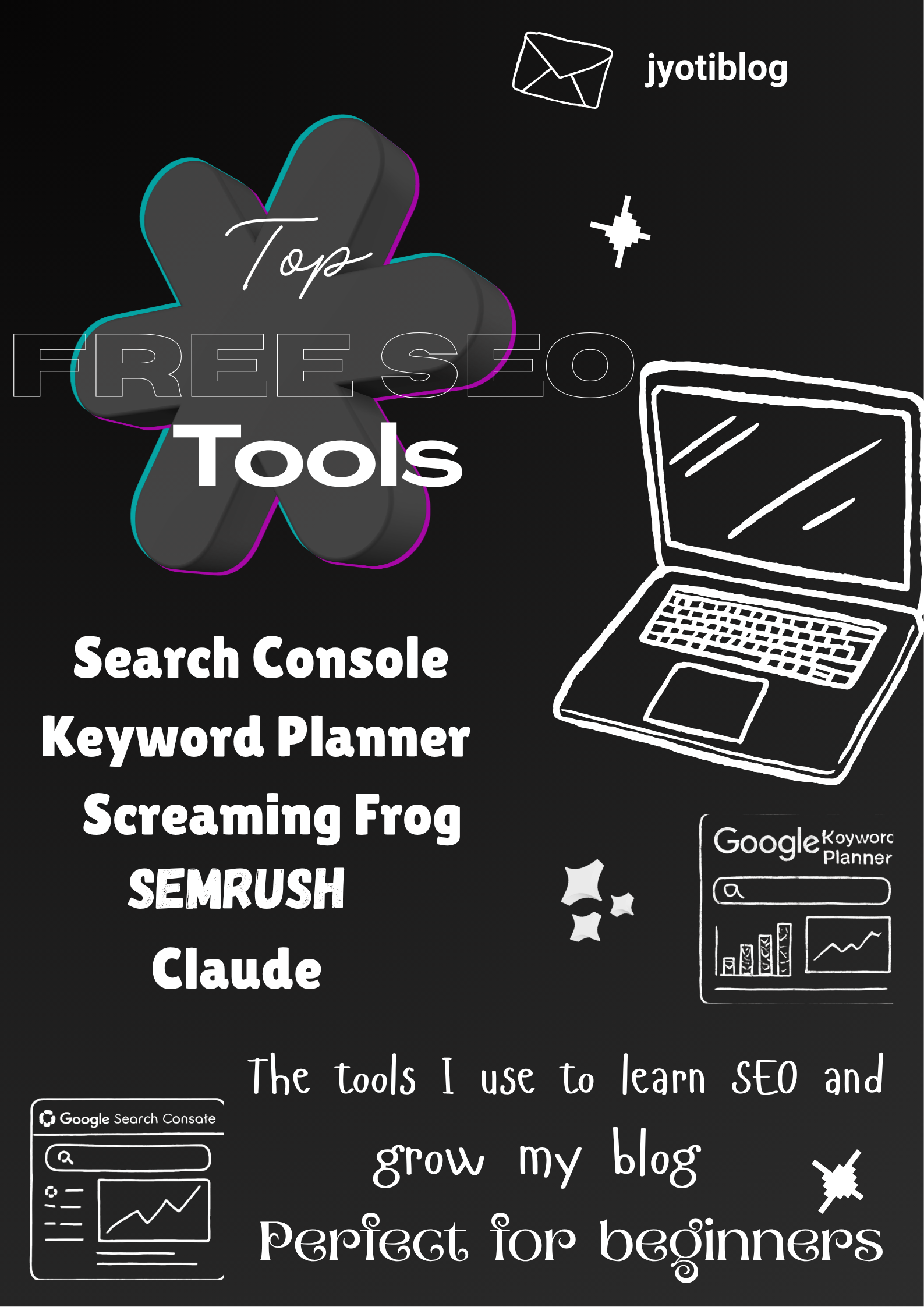
Save this short version.
In my whole toolkit, these are the top free SEO tools I personally use while learning SEO and growing my blog: Google Search Console, Google Keyword Planner, Screaming Frog, the free tier of Semrush, and Claude. These amazing tools require almost zero investment, and they cover the whole part of your keyword research, technical audit, and content creation.
1. Google Search Console
My non-negotiable tool. If I had to choose one tool in SEO, I’d just choose this one. This one is free, connects directly to Google, and gives first-party data; no tool can replicate that.
How I use it (and you can as well): I search for those pages that have quite a lot of impressions but low clicks. This means that the title or meta description is boring or not clear, so I change these first.
2. Google Keyword Planner
One fact about this tool: this is a free tool, but the real thing is that if your ad campaign is not active, then this tool just shows a vague range like “1K–10K searches”, not an exact number.
How I use it: Run a small test campaign, around ₹500–1,000, to unlock the real data. If you want to learn Google Ads, then you can practice as I did.
3. Screaming Frog
Essential Free SEO Tool
Free Technical Audits.
This tool crawls your site for broken links, missing ALT tags, and finds other technical problems.
This is desktop software, not cloud-based, but while Headless Mode is on, you don’t have to repeatedly click manually.
4. KeywordTool.io + RyRob’s Free Tool – For Brainstorming
This worked well for both short-tail and long-tail keyword ideas, without even logging in. The data is not very precise (RyRob itself says that it doesn’t compare with paid tools), but it’s perfect for making a list of ideas.
How I work with it: First, I select 10–15 keyword ideas, then validate them in Search Console, and then my post goes live.
5. Semrush (Free Tier)
10 free searches every day; a card is not needed. I use the Keyword Magic Tool for research and then check competitor data in Domain Overview. Among all the free SEO tools available to beginners, Semrush’s free tier gives great insights into competitor keywords.
The data is the same as the paid version from a billion-keyword database, but it has a daily usage limit.
Backup: When the limit is over, I switch to Ubersuggest.
6. Claude – My Writing Partner
I don’t use AI to replace research, but to speed up the writing. Claude helps in content briefs, meta descriptions, or changing one post into multiple formats (LinkedIn posts, Instagram captions).
How I use it: This tool does not give generic template output, but explains the whole context. I have made a prompt where I just give the name of a tool, and then it gives me the whole review structure instantly.
Limitation: It has zero keyword data. I’ll get the keyword data from Search Console, then it’ll help me write content around it.
Quick Comparison
| Tool | Speed | Cost | Best For |
| Search Console | Fast | Free | Rankings & CTR |
| Screaming Frog | Moderate | Free | Technical audits |
| Semrush (Free) | Fast | Free (10/day) | Keyword research |
| Claude | Instant | Free–$20/mo | Content writing |
How to Rank at the Top
If you want to rank at the top, then you’ll need the full version of Semrush, and Ahrefs backlink and competitor data is the gold standard.
But I’m a student right now, so I can’t afford those tools yet. Still, I should have an idea about which direction I should go when my blog grows in the future.
Quick FAQ
Q: Is SEO possible on a zero budget?
Yes, absolutely. Search Console, Keyword Planner, Screaming Frog, and the free version of Semrush are enough for beginners and can cover most of your SEO needs.
The only thing you really need is a website. If you don’t have one yet, you can still start by publishing on platforms that allow you to create a free account and post blogs. That’s exactly how many people start before building their own website.
Q: Is AI harming your rankings?
No—not if you use it the right way.
If you’re just copying whatever AI gives you and publishing it without checking anything, stop doing that. Google doesn’t reward content just because it was written by AI or by a human. It rewards content that is genuinely helpful.
Here’s what I do: I use AI to speed up my work, but I never let it do the research for me. I collect keyword data from Search Console and Keyword Planner, check the search results myself, and then use AI to help me organize or write faster.
My advice is simple: gather real information, test the tools yourself, and add your own experience—just like I did in this blog. That’s what makes your content genuinely useful.
· Q: Which SEO tool should I learn first?
A: Start with Google Search Console. It’s free, gives you first-party data directly from Google, and teaches you how your website is actually performing.
· Q: Do I need paid SEO tools to get started?
A: No. Free tools like Search Console, Keyword Planner, Screaming Frog, and the free version of Semrush are enough to learn SEO and work on your own website.
· Q: Which AI tool do you actually use?
A: I mainly use Claude for writing and organizing ideas. I don’t use AI for keyword research—that comes from Search Console and Keyword Planner.
· Q: Can I learn SEO without a website?
A: Yes, but having your own website helps you learn much faster because you can test everything yourself. If you don’t have one yet, you can start by publishing on free blogging platforms.
· Q: How much money did you spend to learn SEO?
A: Almost nothing. I started with free tools and only spent a small amount to test Google Ads and unlock better Keyword Planner data.
· Q: Is Semrush Free worth using?
A: Yes. The daily limit is enough for beginners who are learning keyword research and competitor analysis.
· Q: Should I learn Ahrefs or Semrush first?
A: If you’re on a budget, start with Semrush Free. Once you’re working professionally or managing multiple websites, you can decide whether a paid tool like Semrush or Ahrefs is worth the investment.
· Q: Will AI replace SEO?
A: No. AI can help you work faster, but it doesn’t replace keyword research, understanding search intent, or testing what actually works.
· Q: Can I get an SEO internship using only free tools?
A: Yes. If you know how to use Search Console, Keyword Planner, and Screaming Frog, and can explain your own projects, you’re already building practical skills that many internships look for. like im doing in jyotiblog

No responses yet